
This manual explains how to use the EasyShot camera.
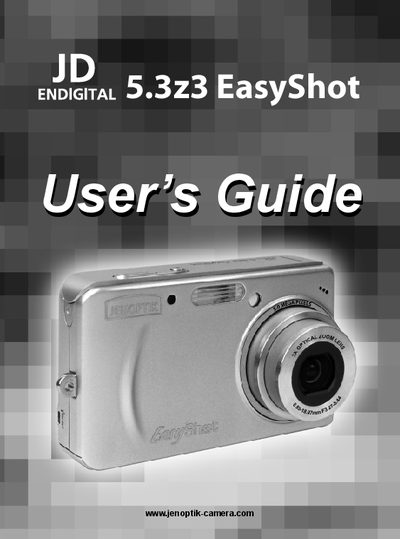
This guide covers everything you need to start using the Concord 5.3z3 EasyShot camera, from attaching accessories and inserting the NP-40 rechargeable lithium‑ion battery to inserting an SD memory card and configuring basic settings. Detailed steps are provided for powering the camera on and off, switching between record and playback modes, and using functions such as zoom, flash, macro, and scene modes.
Later sections explain how to edit and delete images, adjust audio settings, format memory, connect the camera to a TV or PC, install required software drivers, and troubleshoot common issues. Regulatory and safety information, as well as warranty and recycling details, are included at the end of the manual.
| Battery type | NP-40 rechargeable lithium‑ion battery |
|---|---|
| Charging time | about 230 minutes |
| Memory card type | SD Card |
| Internal memory | Yes, the camera has internal memory |
| Low‑battery indicator | Displayed on LCD screen |
Place the battery pack in the charger, connect the AC adaptor, and plug it into a power outlet; the charger lamp lights red while charging and turns green when charging is complete.