
This manual describes how to use the Concord 2MP 1080P Full HD Digital Camera. It covers the camera's main features, including installing batteries, installing an SD card, setting the camera mode, taking pictures and videos, adjusting image quality and resolution, using the flash, and more.
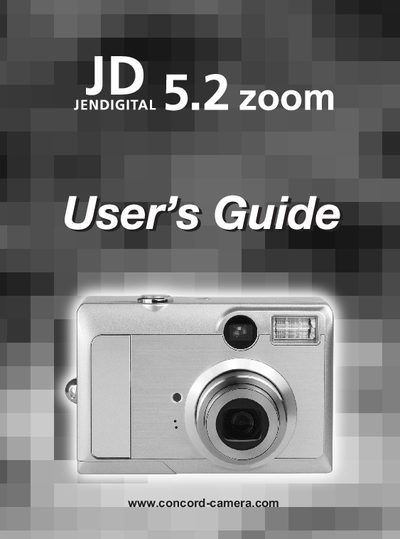
This guide walks you through unpacking the JD 5.2 Zoom, checking system requirements, and installing batteries and an SD card. It also explains how to connect the camera to a computer via USB and install the supplied software.
Detailed sections cover camera functions such as shooting modes, zoom, flash, white‑balance, and image playback, plus safety information, FCC compliance, and a troubleshooting appendix with contact details for Concord Camera support.
The camera uses two AA batteries.
Open the SD‑card slot, insert the card, and close the slot as described in the "Installing an SD Card" section.
Set the camera to USB mode and use the supplied USB cable; then install the ULEAD Photo Explorer software from the included CD.
Refer to the Troubleshooting section on page 42 or visit the Concord Camera support website for FAQs and contact details.