
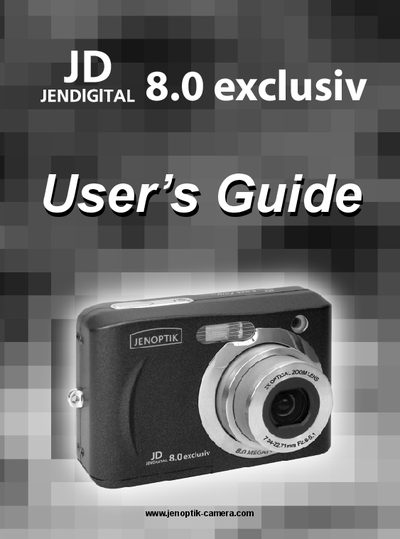
This manual introduces the basic operations of the 8.0 exclusiv camera.
The guide starts with getting started, describing the standard accessories, how to attach the wrist strap, insert AA batteries, and install an SD memory card. It also explains the camera’s internal memory, DCF file format, and how to set the date and time.
Basic operations cover powering the camera on and off, using the power‑save function, switching between record and playback modes, navigating menus, recording still images, movies, and voice memos, and adjusting settings such as resolution, white balance, and language. The appendix includes regulatory information, safety tips, and contact details for Concord.
| Power source | 2 AA-size alkaline or rechargeable (min. 1600 mAh / 1.2 V) batteries |
|---|---|
| Memory card type | SD Card |
| Low battery indicator | LCD icon appears when batteries are nearly exhausted |
| Display | LCD monitor for menus and playback |
Turn the camera off, open the battery cover, insert the SD card into the slot, and close the cover.