
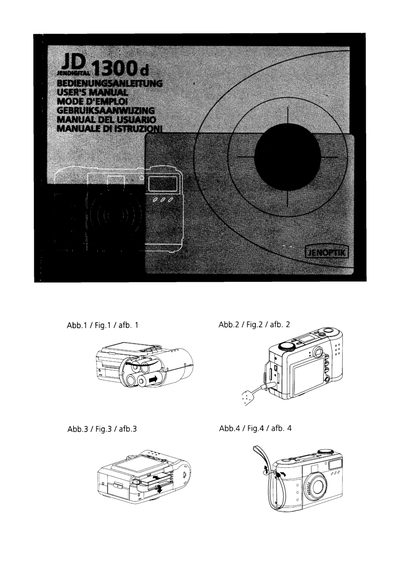
This manual explains how to prepare the power supply, load a CompactFlash™ card, attach the strap, and set the date and time. It also covers basic and advanced operations such as recording images, adjusting exposure, white balance, and using the flash.
Safety warnings, FCC compliance information, accessory lists, system requirements, and detailed specifications are included, along with LED status indicators and troubleshooting tips.
| Image Sensor | CCD sensor with 1.3 mega pixels |
|---|---|
| Image Resolution | 1280×960 / 640×480 |
| Image Quality | Normal, Fine, Super Fine |
| Color Depth | 24‑bit Color (RGB) |
| Lens | Fixed macro lens (0.3‑0.6 m), aperture F2.8‑8 |
| Digital Zoom | 2× |
| File Format | JPEG, EXIF 2.1 |
| Internal Memory | 0 or 8 MB Flash |
| External Memory | CompactFlash Card Type 1 slot |
| LCD Display | 1.8" color LCD, 280×220 pixels |
| Dimensions | 105 × 66.5 × 48 mm |
| Weight | about 190 g (without battery and CF card) |
The camera uses four AA alkaline batteries.
Turn off the camera, open the CF card slot cover, insert the card as indicated, then close the cover.