
This is a user manual for concord-camera brand digital camera, which details the camera's functions and usage.
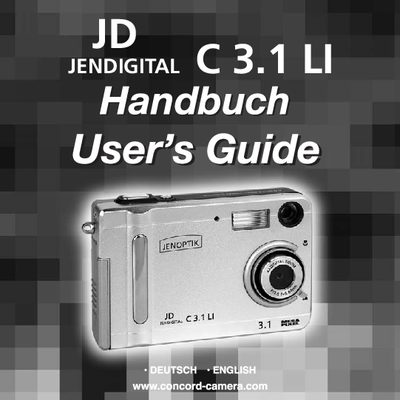
This user's guide explains how to operate the Concord LC3.1 LI digital camera, including attaching the wrist strap, loading batteries, turning the camera on and off, setting language, date and time, inserting memory cards, and checking battery level.
It also describes taking pictures and video clips, reviewing files, customizing camera settings, installing software, connecting the camera to a computer or television, error messages, troubleshooting, camera specifications, safety tips, and regulatory information.
| Resolution | 3.1 Megapixels, 2048 x 1536 |
|---|---|
| LCD | 1.5" Color LCD |
| Optical Zoom | 3x Optical Zoom |
| Digital Zoom | 4x Digital Zoom |
| Video | AVI Video at 20fps at 320x240 or 160x120 Resolution |
| Internal Memory | 6 MB |
| Memory Card | SD Card Slot |
| Batteries | 2x AA alkaline, lithium or rechargeable batteries |
The camera uses 2x AA alkaline, lithium or rechargeable batteries, with NiMH rechargeable batteries highly recommended.
The camera can use a Secure Digital (SD) memory card with storage capability of up to 512 MB.
Press and hold the Power Button for more than 1 second to turn the camera on.