
This is a user manual for a 3.1exclusive product.
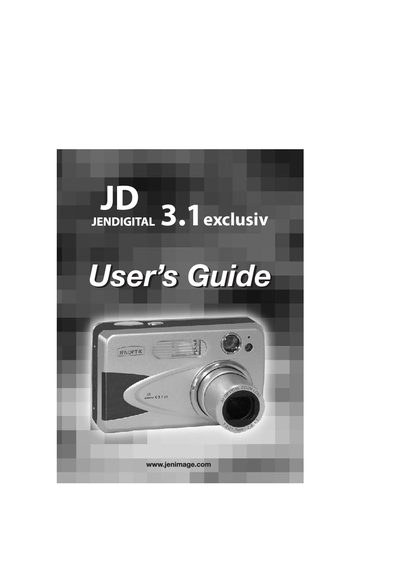
This guide introduces the JD 3.1exclusiv camera, covering its physical layout, power‑on procedures, and basic configuration such as language, date, and time settings. It also explains how to attach the wrist strap, insert batteries, and use the LCD and viewfinder.
Further sections detail shooting modes, optical and digital zoom, video recording, file review, memory management, software installation, TV output, troubleshooting, and regulatory compliance. Safety tips and maintenance recommendations are included at the end of the manual.
| Resolution | 2048 × 1536 (3.1 MP) |
|---|---|
| LCD | 1.5‑inch color LCD |
| Optical Zoom | 3× |
| Digital Zoom | 4× |
| Video Format | AVI at 20 fps, 320 × 240 or 160 × 120 |
| Internal Memory | 6 MB |
| Memory Card Slot | SD Card |
| Battery Type | 2 × AA alkaline, lithium or rechargeable (Ni‑MH recommended) |
Press and hold the Power button for more than one second to turn the camera on; press the Power button again to turn it off.
When the camera is powered on for the first time, the Language, Date and Time menus appear; select the desired language, then adjust the date and time fields using the navigation buttons and confirm with OK.
Slide the wrist strap onto the strap holder on the camera body and secure it to prevent the camera from dropping.
The battery power level indicator on the LCD shows icons that represent full, low, or empty battery status.