
This document is a user guide for Jenoptik cameras, which includes system requirements, safety information, package contents, camera components, and instructions for preparing and operating the camera.
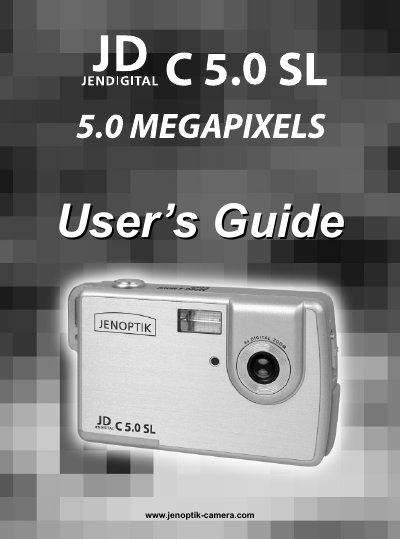
This user's guide explains how to operate the Jenoptik JD C 5.0 SL digital camera. It covers preparing the camera, charging and installing batteries, inserting an SD card, turning the power on and off, setting the date and time, selecting camera modes, and using the LCD display.
The guide also describes taking pictures and video clips, reviewing stored files, connecting to a TV or computer, installing Windows software, and troubleshooting common problems.
| Internal memory | 16 MB |
|---|---|
| Battery charger capacity | up to two pieces of AAA and or AA size batteries |
| Charging time | around 25 hours |
| Focus range in Macro mode | within 20 cm |
Press and hold the POWER button for more than 1 second to turn the camera on.
It takes around 25 hours for the batteries to be fully charged.
Check that the batteries are inserted in the right direction, replace or recharge dead batteries, and make sure the battery compartment door is securely closed.
Photos taken by a DCF camera can be viewed on DCF-compatible cameras from other manufacturers.