
This document introduces the use of C 3.0S camera, including the camera's functions, operations, settings, etc.
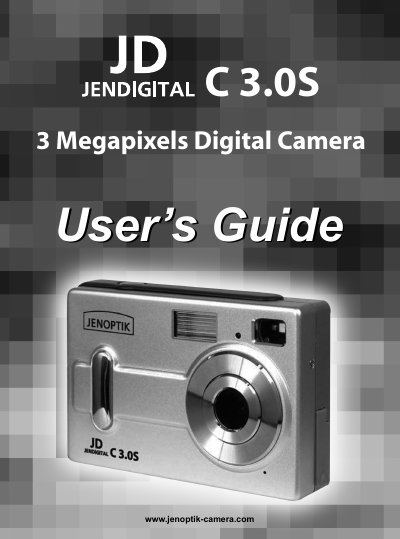
This guide walks you through everything you need to start using the Concord Camera 3.0S, from checking the package contents and meeting system requirements to loading batteries, inserting an SD card, and turning the camera on and off. It explains each operational mode—single capture, self‑timer, and two video resolutions—plus how to adjust settings such as flash, digital zoom, image quality, and auto power‑off.
Later sections cover reviewing and printing stored pictures, connecting the camera to a PC, troubleshooting common issues, and safety and regulatory information. The manual also includes specifications, disposal instructions, and warranty details.
| Resolution | 2048 × 1536 (3 Megapixels) |
|---|---|
| Maximum Image Resolution | 2048 × 1536 |
| Internal Memory | 32 MB |
| Battery Type | 3 × AAA alkaline or rechargeable |
| LCD Size | 1.5 inch |
| Digital Zoom | Up to 4× |
| Video Resolutions | 320 × 240 and 192 × 144 |
| Auto Power‑Off | ≈30 seconds of inactivity |
Press and hold the Power button for a few seconds to turn the camera on or off; the camera also powers off automatically after about 30 seconds of idle time.