
This manual is the user guide for Concord cameras, which introduces the camera's usage methods and functional characteristics.
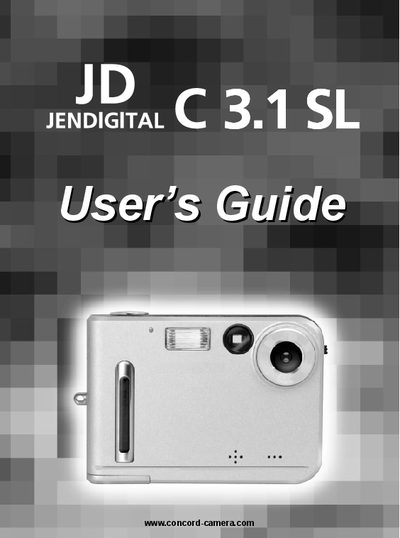
This guide walks new owners through unpacking, installing batteries, inserting an SD card, and connecting the camera to a computer or TV. It also covers basic camera functions such as taking pictures, video clips, using flash, and adjusting settings like white balance and exposure.
Additional sections describe software installation, file transfer to a PC, printing options, safety tips, regulatory information, and a troubleshooting guide for common issues.
Insert the supplied CD‑ROM and run the camera driver installation program included on the disc.
Set the camera to TV mode, connect the TV OUT terminal to the television, and use the TV as a live viewfinder.
The camera is powered by two AAA batteries, which are included in the package.