
Key facts
- Brand
- JD
- Model
- LC3
- Industry
- Electronics
- Documents
- 2
- Languages
- DE
- Last added
- 2012-03-23
Start here
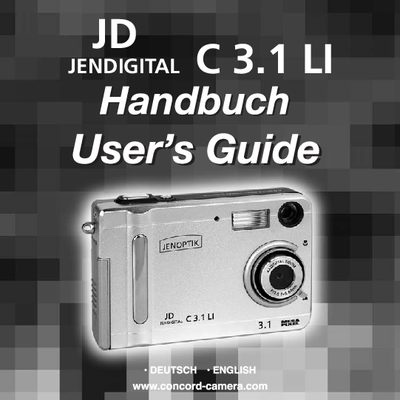
JD camera LC3.1 LI users guide(1)
This manual provides step‑by‑step instructions for installing drivers, charging the Li‑ion battery, inserting an SD card, and using the camera’s basic functions such as photo and video capture, playback, and deletion. It also includes safety tips, technical data, and troubleshooting advice.
The guide lists system requirements (minimum Pentium 166 MHz, Windows 98 SE/ME/2000/XP), package contents, and detailed descriptions of each camera component, helping users become familiar with the device before first use. This manual is written in German.
JD LC3 specifications
| Minimum CPU | Pentium 166 MHz |
|---|---|
| Supported operating systems | Windows 98 SE / ME / 2000 / XP |
| Battery type | Li‑ion |
All JD LC3 documents by type
Day-to-day operation, settings and troubleshooting. Start here if the product is already set up.
Questions answered in these manuals
What should I do if the camera causes radio or TV interference?
Reorient or relocate the receiving antenna, increase separation between the camera and receiver, or connect the camera to a different circuit outlet.