
This manual introduces the use of the H2F camera, including the camera's components, battery installation, dark slide operation, film loading, film unloading, film speed setting, film length setting, data printing setting, automatic exposure mode, manual exposure mode, exposure compensation, etc.
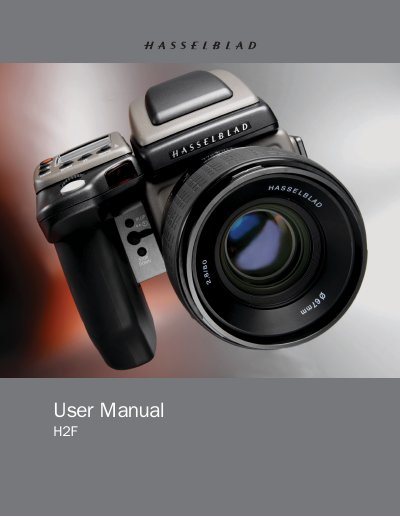
This manual serves as the comprehensive reference for the Hasselblad H2F medium‑format camera. It covers all controls, menu functions, accessories, and detailed operating procedures to help users master the camera’s advanced features.
Key sections include an overview of the camera’s menu system, detailed explanations of focus, exposure, flash, and film handling, a glossary of terms, technical specifications, and guidance on equipment care, service, and disposal.
| Focus mode | Automatic and manual focusing with electronic focus aid |
|---|---|
| Viewfinder | 90° reflex viewfinder with 100% field of view |
| Flash guide number | Integrated fill‑in flash with guide number 12 |
| Shutter speed range | 18 hours to 1/800 s (including B‑ and T‑mode) |
| Film format | 120 and 220 roll film |
| ISO range | ISO 16 to 6400 |
| LCD type | Dot matrix LCD presenting all relevant information |
Press the ON/OFF (PROFILES/ESC) button to power the camera on or off.
Use the AF button to select focus modes; a half‑press of the shutter release button activates autofocus.
Remove the battery holder button, insert the specified battery, and replace the protective cap before cleaning or storage.