
This is a digital camera user manual
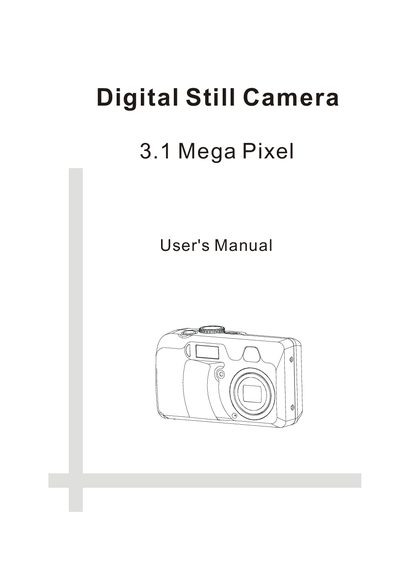
The manual begins with getting started instructions, listing the package contents, system requirements for Windows and Macintosh, and important safety precautions. It also includes FCC compliance information and a diagram of the camera's front and rear controls.
Subsequent sections describe how to use the camera: inserting batteries, setting date/time, configuring power‑off, TV‑out, language, and various shooting modes. Detailed guidance is provided for exposure, white balance, ISO, flash, macro, self‑timer, video recording, image review, memory‑card handling, printing, and connecting to a computer. The reference section lists default settings and a full specification table.
| Sensor | 3.34 Mega Pixel CCD (effective approx. 3.1 MP) |
|---|---|
| Lens aperture | F 2.66 ~ 10.383 |
| Focus range | Normal: Infinity‑50 cm; Macro: 50‑10 cm (W)/16 cm (T) |
| ISO speed | Auto, 100, 200, 400 |
| LCD display | 1.5‑inch color TFT LCD panel |
| Still image resolution | 2048×1536, 1600×1200, 1024×768, 640×480 |
| Video resolution | 320×240 |
| Shutter speed | 1/2000 – 8 sec |
| Power supply | DC +3.3 V adapter, 2 AA batteries |
| Dimensions | 107 × 63 × 36.4 mm |
| Weight | 160 g (without battery) |
| Memory | 16 MB internal, SD/MMC external |
The camera is powered by two AA‑size alkaline batteries.
Follow the FCC advisory steps such as reorienting the receiving antenna or moving the equipment to a different outlet.