
This document is a user manual for a specific product. The manual includes information about the product's appearance, function settings, taking and managing pictures, installing software, viewing and transferring pictures, using the camera as a web cam, troubleshooting, etc.
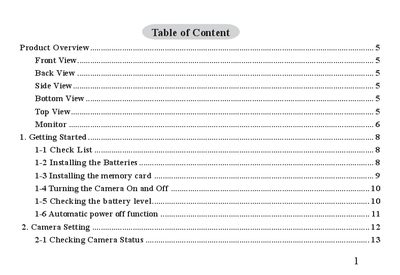
This manual provides a complete guide to the digital camera, starting with an overview of the device and its physical features. It includes step‑by‑step instructions for installing batteries, inserting a memory card, turning the camera on and off, and configuring basic settings such as exposure compensation and white balance.
Further sections cover taking and managing pictures, recording video and audio clips, using the camera as a webcam, installing accompanying software on a computer, transferring and viewing images, troubleshooting common issues, and safety and maintenance guidelines including battery handling and FCC compliance.
The camera uses four AAA alkaline batteries.
Wipe the camera with a soft dampened cloth and avoid sand, salt, dust, or strong shocks.