
This is a user manual for MGI Photo Vista 120 camera.
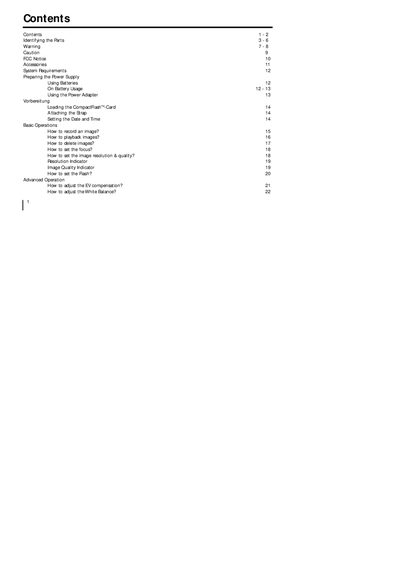
The document describes the camera’s parts, power options, basic and advanced operation procedures, and how to transfer images to a computer. It includes a table of contents, safety warnings, and a full specification sheet.
Safety warnings cover risks such as moisture, extreme temperatures, and improper handling, advising users to stop use and contact an authorized service center if problems occur. The specification section lists sensor type, resolution, lens details, memory options, LCD display, power sources, dimensions, and weight.
| Image Sensor | CCD sensor with 1.3 mega pixels |
|---|---|
| Image Resolution | 1280*960 / 640*480 |
| Image Quality Modes | Normal, Fine, Super fine |
| Color Depth | 24-bit Color (RGB) |
| Lens | Fixed Macro lens 0.3‑0.6 m, Aperture‑2 step (Auto) F2.8‑8 |
| Digital Zoom | 2× |
| File Format | JPEG, EXIF 2.1 |
| LCD Display | 1.6" color LCD, 280×220 pixels |
| Power | 4× AA batteries (Alkaline, NiMH, Lithium) or AC‑DC adapter |
| Dimensions | 105 × 66.5 × 48 mm |
| Weight | ≈190 g (without battery and CF card) |
Use the “Setting the Date and Time” option in the camera’s menu to adjust the clock.
The camera uses a Compact Flash (CompactAash™) card inserted into the CF card slot.
Do not expose the camera to moisture, extreme heat, or foreign objects, and avoid operating it while driving.