
This document provides instructions for using a camera product, including package contents, system requirements, safety information, camera components, preparing to take pictures, taking pictures, reviewing photos/videos/audio clips, etc.
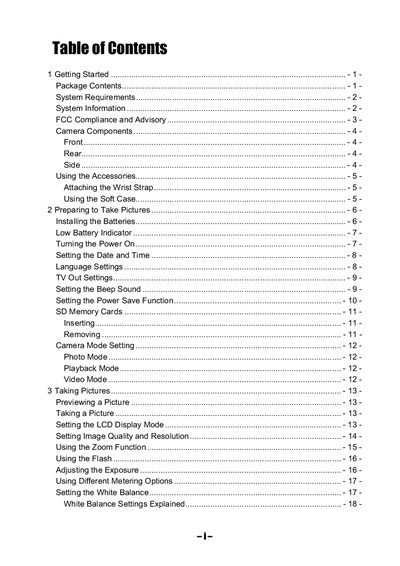
This guide covers everything you need to get started with the digital still camera, from unpacking and attaching accessories to installing batteries and configuring basic settings such as date, time, language, and TV‑out mode.
It also explains how to take photos and videos, adjust exposure, white balance, zoom, and flash settings, and provides troubleshooting steps for common problems like power issues, memory errors, and connectivity to a computer or TV. Technical specifications are listed at the end of the document.
| Sensor | 3.3 megapixel CCD (effective 3.14 MP) |
|---|---|
| Lens | 5.7‑16.3 mm focal length, 3× optical zoom, F2.6‑4.9 |
| ISO/ASA Range | 70 |
| Still image resolution | 2048 × 1536, 1600 × 1200, 1024 × 768, 640 × 480 |
| Video resolution | 320 × 240 |
| Shutter speed | 1/2000 sec – 8 sec |
| Digital/Optical Zoom | 3× optical, 4× digital |
| Power supply | 2 AA alkaline batteries or Ni‑MH 1800 mAh, 3 V DC adapter |
| Dimensions | 92 × 61.2 × 31.5 mm |
Slide the battery cover in the direction of the arrow, open it, insert two AA‑size alkaline batteries with the correct polarity, then slide the cover back into the closed position.
Install the USB driver first, then turn the camera on and connect it to the computer with the supplied USB cable.