
This is a user manual for a 3.1 mega pixel digital still camera, which provides instructions on how to use the camera and its various features and settings.
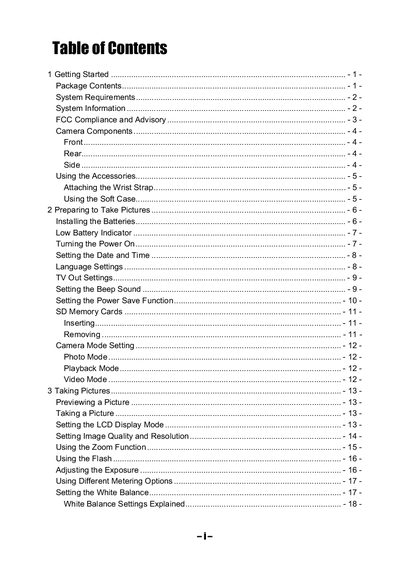
This manual guides you through getting started with the digital still camera, including package contents, system requirements, battery installation, power‑on procedures, and basic settings such as date/time, language, TV‑out, beep sound, and power‑save functions. It also explains how to use accessories, insert SD cards, and install the provided software driver.
Further sections cover camera operation: selecting modes (photo, playback, video), adjusting image quality, zoom, flash, exposure, white balance, macro, self‑timer, and long‑shutter settings. The guide includes troubleshooting tips for power, memory, flash, focus, and connectivity issues, followed by a full specifications table.
| Sensor | 3.3 megapixel CCD / effective 3.14 megapixel |
|---|---|
| Lens focal length | 5.7 – 16.3 mm, 3× optical zoom, F2.6 – 4.9 |
| Focus range | 50 cm – infinity (10 – 50 cm in Macro Mode) |
| ISO/ASA range | 70 |
| Still image resolution | 2048×1536, 1600×1200, 1024×768, 640×480 |
| Video resolution | 320×240 |
| Shutter speed range | 1/2000 sec – 8 sec |
| Zoom | 3× optical, 4× digital |
| Power supply | 2 AA alkaline batteries or Ni‑MH 1800 mAh 1.2 V |
Install the USB driver provided on the CD, turn the camera on, and connect it to the computer with the supplied USB cable.
Ensure the video cable is securely connected, select the correct TV‑out setting (NTSC or PAL), and use the included video cable.