
This is a 3.2 Mega Pixel User's Manual Digital Still Camera user manual, introducing the camera's usage methods, functional characteristics and other information
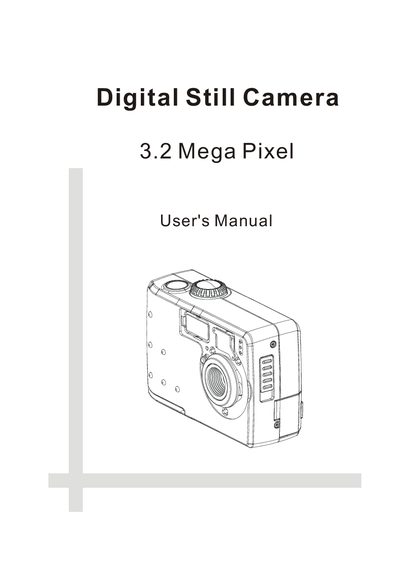
The manual begins with a Getting Started section that lists the package contents, system requirements, safety precautions, and FCC compliance information. It then describes the camera’s physical layout, buttons, and accessories, and explains how to install the battery and turn the camera on and off.
Subsequent chapters cover picture taking, including exposure, white balance, flash, focus modes, and digital zoom, as well as video recording, slide show playback, memory card handling, and connecting the camera to a TV or computer. The document ends with a specifications table and a troubleshooting guide.
| Sensor | 3.2 Mega CCD |
|---|---|
| Lens | F 3.3, F8 (≈48 mm equivalent) |
| Focus Type | Fixed focus with macro function |
| Focus Range | Normal (80 cm – ∞), Macro (20 cm) |
| LCD Display | 1.5" TFT panel with LED backlight |
| Video Resolution | 320 × 240 |
| Shutter Speed | 1/3 – 1/1000 sec |
| Digital Zoom (still) | 5 × |
| Internal Memory | 16 MB NAND flash |
| External Memory | SD or MMC card |
| Power Supply | 2 × AA (1.5 V alkaline or 1.2 V Ni‑Cd/Ni‑MH) |
| Dimensions | 97 × 65 × 37 mm |
| Weight (without battery) | 165 g |
Use the camera’s menu to select the Date and Time setting and adjust the values as needed.
From the camera’s menu choose the Format Memory Card option to erase and prepare the card for use.
Use the video‑out terminal to connect to a TV, or connect the USB port to a computer for file transfer.