
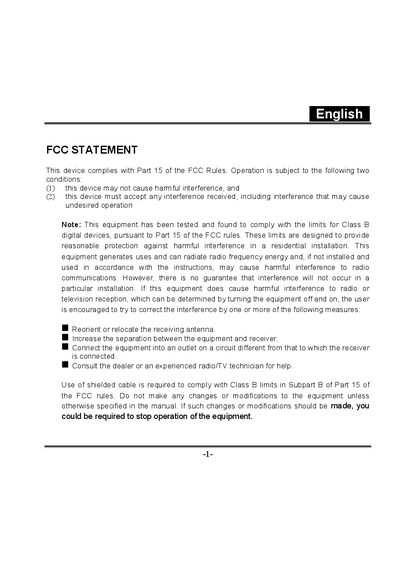
This manual begins with FCC compliance information and safety precautions, warning users about interference, smoke, moisture, and improper handling. It outlines proper installation of batteries, AC adapters, and accessories, and describes how to start using the camera.
Subsequent sections cover image capture, recording and playback modes, menu options, system connections, and detailed camera specifications such as sensor type, resolution, memory, lens, and power requirements. An appendix lists error messages and software applications for image and video editing.
| Image sensor | 1/2" CMOS |
|---|---|
| Effective pixels | 2.0 Mega Pixels |
| Internal memory | 64 MB |
| Recording media | SD memory card (up to 512 MB) |
| Lens | F‑no: 2.8, 5‑element glass, focus 1.4 m‑∞ |
| LCD monitor | 1.5" LTPS color LCD |
Reorient or relocate the receiving antenna, increase the separation between the equipment and receiver, connect the equipment to a different circuit, or consult a radio/TV technician.
Stop using the camera immediately, as these are signs of a fault.
Use the camera’s protect function to lock the selected video clip or image.