
This is an instruction manual on how to use the Canon PowerShot A400 Digital Camera
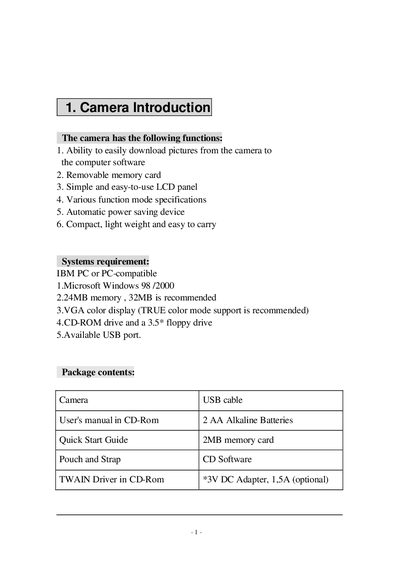
The guide introduces the camera’s main functions, required PC system specifications, and the items included in the package such as the USB cable, batteries, and software. It then walks the user through preparation steps like loading the battery with correct polarity and attaching the strap.
Subsequent sections describe memory‑card installation and formatting, the layout and operation of the LCD panel, button functions for mode selection, flash, self‑timer, and macro mode, as well as troubleshooting messages displayed on the screen.
| Resolution (high) | 1280x960 pixels |
|---|---|
| Resolution (low) | 1024x768 pixels |
| Battery type | AA Alkaline, 3 V DC |
| Memory card | Removable memory card (requires formatting) |
| Power requirements | USB port, optional 3 V DC adapter (1.5 A) |
Insert the battery with the positive (+) and negative (‑) polarity matching the markings shown in the manual.
Press the DEL button to delete a single picture or all pictures; see page 10 for detailed steps.