
This document is the user's manual for a 2.1 Mega Pixel Digital Still Camera, providing instructions on basic operations and functions of the camera.
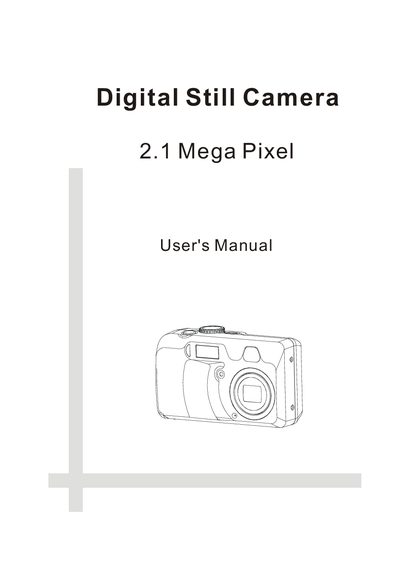
This manual covers everything you need to start using the camera, from unpacking and battery installation to configuring date, time, language, and power‑off settings. It includes safety precautions, FCC compliance information, and a detailed description of the camera’s buttons, lenses, and viewfinder.
The guide explains each shooting mode, how to adjust exposure, white balance, ISO, flash, and zoom, as well as how to manage memory cards, transfer images to a computer, and install the supplied software. A full specification table lists sensor, lens, display, resolution, power, and physical dimensions.
| Sensor | 2.14 Mega Pixel CCD |
|---|---|
| Lens | F 2.66 ~ 4.94 |
| LCD Display | 1.5" Color TFT LCD panel |
| Still Image Resolution | 1600x1200, 1024x768, 640x480 |
| Video Resolution | 320x240 |
| Still Image Quality | Fine: 5X compression, Normal: 10X compression |
| Exposure Compensation | -2EV to +2EV |
| Shutter Speed | 1/2000 to 1 sec. |
| Power Supply | 2 AA batteries or +3.3V DC adapter |
| Dimensions | 107 x 63 x 36.4 mm |
| Weight | 160 g |
The camera supports external SD memory cards or MMC cards.
The camera runs on two AA batteries or can be powered by a +3.3 V DC adapter.