
Saitek A-350 Wireless Headphones Quick Start Guide, These Saitek Wireless headphones allow you to listen to high-quality digital audio from almost any music player.
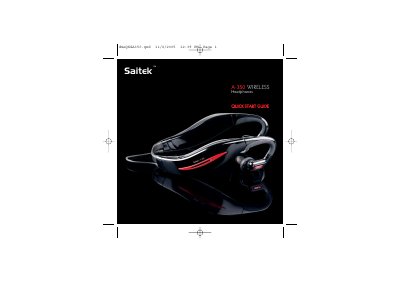
The Saitek A-350 wireless headphones come with four adjustable headbands and a universal 3.5 mm wireless transmitter. The guide explains how to fit the headphones, power up both units, and establish a wireless connection.
It also details charging procedures, battery life, volume control, switching to a wired line‑in source, and troubleshooting common issues such as pairing failures or low battery warnings.
| Wireless range | up to 10 m |
|---|---|
| Battery life (play time) | 6 hours per charge |
| Charging time (80 % charge) | ≈ 1 hour |
| Charging time (full charge) | ≈ 2 hours |
| Volume levels | 10 levels |
The headphones provide about 6 hours of playback before needing to be recharged.
Press and hold the volume‑down button for 5 seconds; the LED will flash blue and the unit will switch to line‑in mode.
When paired, the LEDs flash blue five times and three beeps are heard in the headphones.
Full charge is reached in about two hours; after one hour they reach roughly 80 % capacity.