
This document is the user manual for Saitek Pro Bridge 311 TM. It provides instructions on how to use the bridge game device.
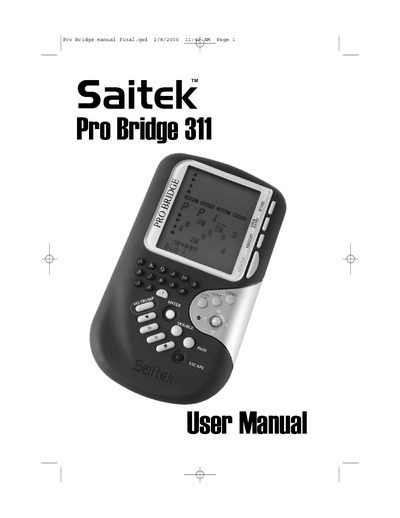
This user manual for the Saitek Pro Bridge 311TM explains how to set up and play bridge on the unit. It covers inserting four AAA batteries, turning the unit on with GO/STOP, and using the main menu to start a game.
The manual also describes bidding and playing cards, viewing scores and hands, editing deals, and using hints and autoplay. Technical details include the ACL reset function, care and maintenance, specifications, and warranty information.
| Battery type | Four "AAA"(AM4/R03) alkaline batteries |
|---|---|
| Memory retention | Current game retained in memory when switched off |
| ACL reset | Resets unit back to default settings |
| Language options | English/French |
| Sound effects | On/Off |
Press GO/STOP to turn the computer on.
It runs on four AAA (AM4/R03) batteries.
Press down into the hole marked ACL for at least one full second.
Yes, English/French is your choice.