
The Saitek Cyborg 3D Force Stick is an awesome joystick with sublime new looks and Immersion's patented TouchSense technology, taking the gaming experience to a new level of interactivity. The haptic technology inside dramatically improves gamers' performance and power by unlocking their sense of touch and allowing them to feel what they see and do on the computer screen. The Force Feedback Technology is combined with a full range of features to put you in total control of the game.
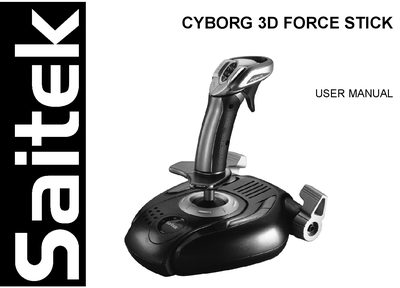
This manual provides step-by-step instructions for installing the Saitek Cyborg 3D Force Stick on Windows XP, 2000, 98, and ME. It covers both Quick Install (drivers only) and Full Install (drivers + programming software) options. The guide includes setup procedures, controller testing, and registration steps. The Saitek Smart Technology software allows users to customize controller settings via the Profile Editor.
The controller features haptic technology, 8 programmable fire buttons, a dual-handle throttle, an 8-way POV hat switch, and a 3D rudder twist for immersive gaming. It connects via USB and requires an AC/DC adapter for power. Users can register the controller online or defer registration.
The Saitek Smart Technology software comprises product drivers and optional programming software for configuring the controller.
Yes, the controller requires an AC/DC adapter connected to the front of the unit before use.