
Key facts
- Brand
- Saitek
- Model
- A-350
- Category
- Mobilephone Accessories
- Industry
- Electronics
- Documents
- 3
- Languages
- EN
- Last added
- 2012-03-21
Start here
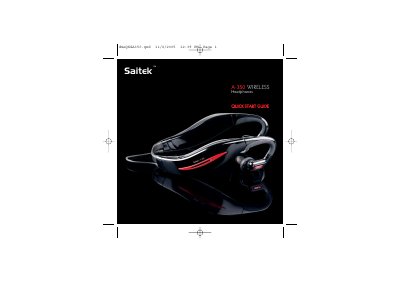
Saitek A-350 Wireless Headphones Quick Start Guide
The Saitek A-350 wireless headphones come with four adjustable headbands and a universal 3.5 mm wireless transmitter. The guide explains how to fit the headphones, power up both units, and establish a wireless connection.
It also details charging procedures, battery life, volume control, switching to a wired line‑in source, and troubleshooting common issues such as pairing failures or low battery warnings.
Saitek A-350 specifications
| Wireless range | up to 10 m |
|---|---|
| Battery life (play time) | 6 hours per charge |
| Charging time (80 % charge) | ≈ 1 hour |
| Charging time (full charge) | ≈ 2 hours |
| Volume levels | 10 levels |
All Saitek A-350 documents by type
Day-to-day operation, settings and troubleshooting. Start here if the product is already set up.
The shortest path to a working setup, usually only a few pages.
Questions answered in these manuals
What indicates that the headphones and transmitter have successfully paired?
The headphones will flash blue five times and emit three beeps.
How do I manually pair the Saitek A-350 headphones with the transmitter?
Turn off both headset and dongle, turn on the dongle and hold the PAIR button for 5 seconds, then turn on the headset and hold Vol+ and Vol‑ together for 5 seconds; the devices will pair.
What indicates that the headphones have successfully paired?
The headphones will flash blue five times and emit three beeps.
How long does the battery last on a single charge?
The headphones provide about 6 hours of playback before needing to be recharged.
How do I switch the headphones from wireless to a wired line‑in source?
Press and hold the volume‑down button for 5 seconds; the LED will flash blue and the unit will switch to line‑in mode.