
Saitek Smart Technology software is the software that Saitek supplies for our high-end game controllers. The Smart Technology software comprises the product drivers for these Saitek controllers and the optional programming software. By keeping the two separate, the Smart Technology software offers two types of installation to suit the individual gamer’s needs, which means even more gamers can enjoy these quality Saitek products.
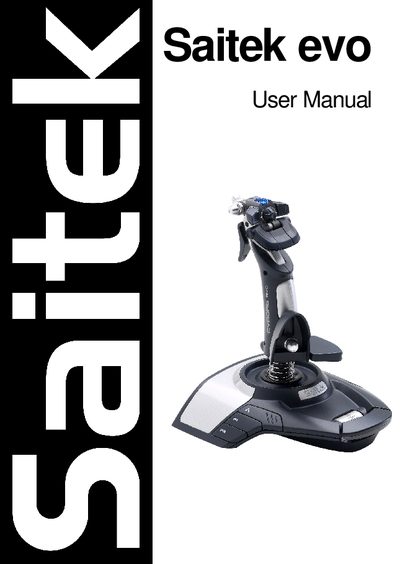
This manual explains how to install the Saitek evo controller on various Windows versions, offering a Quick Install (drivers only) for typical users and a Full Install that adds the Saitek Smart Technology programming software for advanced users. Detailed step‑by‑step instructions cover driver installation, software setup, and registration.
It also describes how to use the Saitek Smart Technology Programming Software to create and load custom Profiles, provides troubleshooting tips for unrecognized controllers, and includes warranty, FCC compliance, and technical support information.
| Warranty period | 2 years from date of purchase |
|---|---|
| Minimum DirectX version | DirectX 8.1 |
Check the cable connections, unplug and re‑plug the controller, and ensure the drivers are correctly installed.