
The Saitek ST290 Joystick is a unique gaming joystick with adjustable palm rest and various buttons, suitable for all hand sizes and designed to enhance gaming experience.
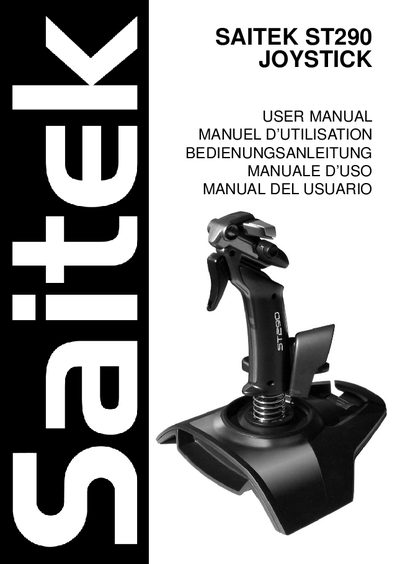
The Saitek ST290 is an adjustable, ambidextrous gaming joystick featuring a palm rest, precision trigger, five fire buttons, a lever throttle, and a 4‑way POV hat switch. It is designed for optimal comfort and control across a range of hand sizes.
This manual covers installation on Windows XP, 2000/Me, and 98, programming via Saitek Smart Technology software, troubleshooting, technical support contacts, warranty terms, and FCC compliance information.
| Palm Rest Adjustability | Adjustable |
|---|---|
| Precision Trigger | Yes |
| Fire Buttons | 5 |
| Lever Throttle | Yes |
| POV Hat Switch | 4‑way |
Plug the joystick into a USB port, let Windows detect it, then open Control Panel → Game Controllers, select Saitek ST290, and use the Test tab to verify all controls.
The warranty lasts for 2 years from the date of purchase, provided the product is used according to the instructions.