
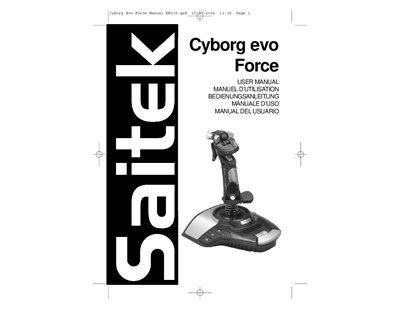
This manual begins with a Quick Start Guide that shows how to connect the AC adapter and USB cable, install the supplied CD, and load drivers for Windows PCs. It also explains the dynamic auto‑calibration system that improves control in flight‑simulation games.
Further sections cover detailed driver installation for Windows XP, 2000, and 98/ME, the Saitek Smart Technology programming software, troubleshooting tips, profile creation, technical support contacts, warranty terms, and FCC compliance details.
| Power supply | AC adapter included |
|---|---|
| Connection interface | USB cable |
| Calibration system | Dynamic auto‑calibration system |
| Minimum DirectX version | DirectX 8.1 |