
This manual introduces the use of saitek x45 digital joystick and throttle
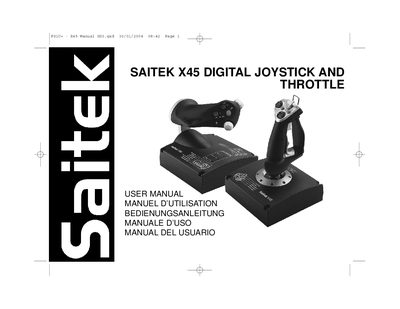
This manual guides users through installing drivers and software for the Saitek X45 joystick and throttle on Windows XP, 2000, and 98/ME. It includes step-by-step instructions for typical and advanced users, covering driver setup, controller testing, and optional programming software. The manual also explains how to test the controller post-installation and how to check for driver updates via Windows Update or Saitek’s website.
Insert the Saitek Smart Technology CD, click Install Software, accept the disclaimer, plug in the controller, and follow the on-screen prompts to install drivers and test the controller.
Yes, during installation, you can choose to skip installing the SST Programming Software and install it later by following the instructions in section B.