
This is a user manual that introduces the features and usage methods of ATEN VS-0404 video matrix switch.
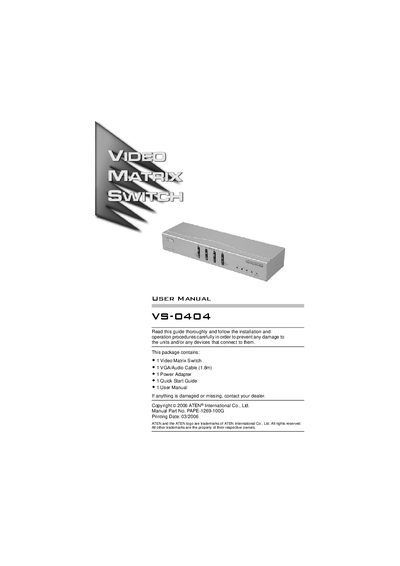
The VS-0404 is a video matrix switch that combines video switching and signal splitting, allowing up to four computer sources to be routed to up to four monitors or projectors. It is designed for installations such as public information displays, classrooms, and training facilities.
The manual covers hardware overview, single‑stage installation, cascading additional splitters, operation of front‑panel switches, technical specifications, VGA pin assignments, and contact information for technical support.
| Number of Input Ports | 4 |
|---|---|
| Number of Output Ports | 4 |
| VGA Resolution | 1920 x 1440 @ 60 Hz |
| Power Supply | DC 5.3 V; 2.4 A |
| Power Consumption | DC 5.3 V; 12 W |
| Maximum Cable Distance | 65 m |
| Operating Temperature | 0 °C ~ 50 °C |
| Weight | 0.89 kg |
| Dimensions (L×W×H) | 26.0 mm × 7.5 mm × 4.5 mm |
Use a high‑density HDB‑15 male/female VGA cable to connect the computer’s video port to a video input port, and a male‑male audio cable to connect the computer’s speaker port to the matching audio input.
The VS-0404 can drive up to four output devices such as monitors or projectors.
Video cables can be up to 65 meters long between the VS‑0404 and a monitor.
Yes, up to four additional video splitters can be cascaded from the VS‑0404’s video output ports using HDB‑15 cables.