
This document describes a connector device that can connect USB Type A plugs and PS/2 keyboards/mice. The device features a remote wake up button and a 30cm cable. It is compatible with Windows98, Windows 2000, and Apple Mac OS8.6 platforms. The transfer rate is 12Mbps, and it is compatible with USB 1.0 and 1.1. The device is bus-powered via the USB cable and operates at temperatures between 5 and 40oC. It weighs 80g and has dimensions of 82 x 55 x 23 mm.
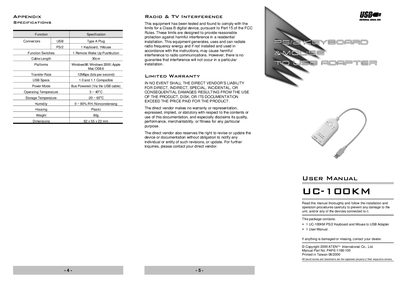
The UC-100KM is a PS/2‑to‑USB interface converter that lets a standard PS/2 keyboard and mouse connect to a PC, notebook, laptop, or handheld device with a USB port. It draws power directly from the USB bus, so no external power adapter is needed, and it complies with USB 1.0/1.1 specifications.
Installation is straightforward: plug the PS/2 keyboard and mouse into the marked mini‑DIN connectors, then connect the USB Type‑A plug to the computer or a USB hub. The adapter works with Windows 98/2000 and Apple Mac OS 8.6 or later, requires no driver software, and supports wake‑up and energy‑saving functions.
| Transfer Rate | 12 Mbps |
|---|---|
| USB Specification | 1.0 and 1.1 |
| Power Mode | Bus Powered (via USB cable) |
| Operating Temperature | 5 ~ 40 °C |
| Storage Temperature | -20 ~ 60 °C |
| Humidity | 0 ~ 80 % RH (non‑condensing) |
| Weight | 80 g |
| Dimensions | 82 × 55 × 23 mm |
| Cable Length | 30 cm |
| Supported Platforms | Windows 98, Windows 2000, Apple Mac OS 8.6 |
The adapter works with Windows 98, Windows 2000, and Apple Mac OS 8.6 or higher.
No, it is bus‑powered and draws its operating power from the USB connection.
No software is required; the adapter is plug‑and‑play.
Plug the PS/2 keyboard and mouse into the marked connectors, then connect the USB plug to the computer or a USB hub.