
This document is a guide for the installation and operation of the Bidirectional Serial/Parallel Converter (SXP-500) produced by ATEN International Co., Ltd. The device allows communication between Centronics and RS-232 devices and supports both hardware and software handshaking.
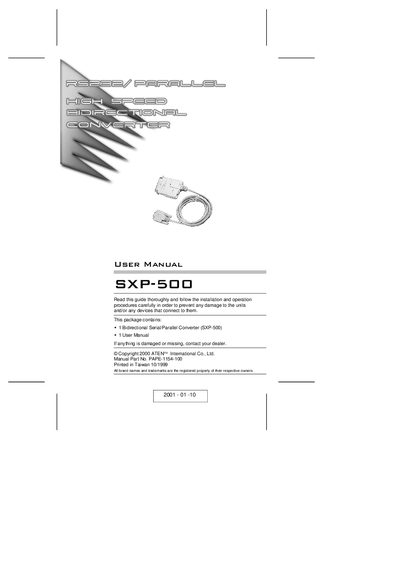
This guide provides step‑by‑step instructions for installing the ATEN SXP‑500 bidirectional serial/parallel converter, setting the eight‑segment DIP switch, and connecting the appropriate cables for both serial‑to‑parallel and parallel‑to‑serial operation. It also covers handshaking options, power‑LED indicators, and safety warnings.
Technical specifications, troubleshooting tips, and FCC compliance information are included to help users achieve reliable data transfer between RS‑232 and Centronics devices.
| Power Consumption | AC 9 V 50 mA (max.) |
|---|---|
| Data Transmission Distance | Up to 5 m (30 ft) |
| RS‑232 Connector | DB‑9 female DCE |
| Centronics Connector | C‑36 male |
| Humidity | 0 % to 80 % |
| Weight | 120 g |
| Dimensions | 101 × 62 × 25.5 mm (L × W × H) |
The SXP‑500 supports baud rates from 1 200 to 115 200 bps, selectable via the DIP switch and jumper settings.
Set DIP switch segment 8: ON for Parallel‑to‑Serial, OFF for Serial‑to‑Parallel conversion.
Make sure all cables are properly plugged in and fully seated in their connectors.
The device can transmit data up to 5 m (approximately 30 ft).