
This user manual provides detailed instructions for installing, connecting, operating, and maintaining the 8-Port Video Switch VS-881.
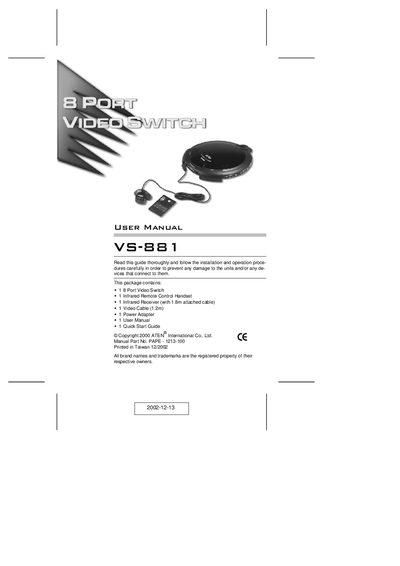
The VS-881 Video Switch lets you display the video output of up to eight separate computers on a single monitor or projector, saving space and power. It features a concentric‑hub design, push‑button and infrared remote selection, and electronic switching for reliability.
The manual covers safety notices, system requirements, step‑by‑step installation, front and rear connector descriptions, remote‑control operation, specifications, and warranty information.
| Video Input Connectors | 8 HDB-15 Male |
|---|---|
| Video Output Connector | 1 HDB-15 Female |
| Video Resolution | 2048 x 1536 |
| Power Consumption | AC 9V, 4.5W |
| Operating Temperature | 0 ~ 50 °C |
| Weight | 0.45 kg |
| Dimensions (L×W×H) | 17 × 19 × 4.5 cm |
| IR Remote Range | up to 10 m |
The VS-881 can display the video output of eight separate computers on a single monitor or projector.
You can select a computer using the push‑buttons on the unit or the infrared remote control.
The unit supports video resolutions up to 2048 × 1536.
The IR remote control works up to about 10 meters away, provided there is a clear line‑of‑sight.