
This guide introduces the installation, configuration, and maintenance methods of EF3116, EF3124, EF4116, and EF4124 Ethernet switches.
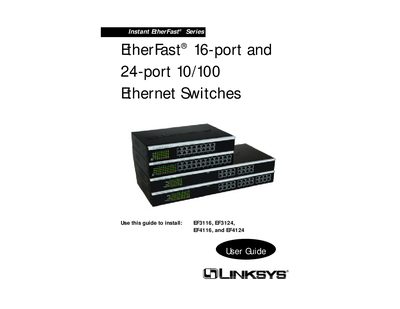
The Linksys EtherFast series provides 16‑ or 24‑port 10/100 Ethernet switches with auto‑sensing ports, auto MDI/MDI‑X, and optional 100BaseFX fiber modules. This guide covers hardware installation, network planning, LED indicators, fiber‑optic module setup, and troubleshooting.
Key topics include mounting the switch, connecting devices with Category 5 UTP cabling, configuring fiber modules for up to 2000 m links, and understanding warranty and support information.
| Number of ports | 16 or 24 autosensing 10/100 full duplex ports |
|---|---|
| Maximum copper link distance | 100 meters (328 feet) |
| Supported data rates | Up to 200 Mbps |
| Cable type | UTP Category 5 with RJ‑45 connectors |
Depending on the model, the switch has either 16 or 24 Ethernet ports.
Use UTP Category 5 cable with RJ‑45 connectors for all connections.