
This User Guide introduces how to install Linksys BEFSRU31 EtherFast Cable/DSL Router with USB Port and 10/100 3-Port Switch, Linksys BEFSR41 v2 EtherFast Cable/DSL Router with 10/100 4-Port Switch and Linksys BEFSR11 EtherFast 1-Port Cable/DSL Router.
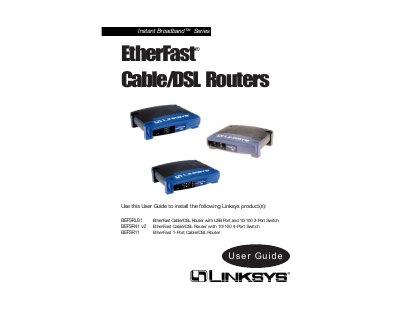
This guide explains how to install, configure, and troubleshoot the Linksys Instant Broadband EtherFast series routers (BEFSRU31, BEFSR41 v2, BEFSR11). It covers hardware setup, web‑based utility, network settings, and advanced features such as DHCP, IP filtering, and DMZ hosting.
The manual also provides detailed specifications, LED indicator descriptions, USB port usage for the 3‑port model, and step‑by‑step instructions for resetting the device and updating firmware.
| Model Number | BEFSR41 v2 |
|---|---|
| LAN Ports | Four 10/100 RJ‑45 switched ports |
| WAN Port | One 10Base‑T Ethernet RJ‑45 port |
| LAN Speed | 10/100 Mbps |
| Dimensions | 186 mm × 154 mm × 48 mm |
| Power Input | External, 9 V AC, 1 A |
| Model Number | BEFSRU31 |
| LAN Ports | Three 10/100 RJ‑45 switched ports |
| USB Port | USB Type B (slave) on 3‑Port model |
| Model Number | BEFSR11 |
The orange 100 LED lights up when a successful 100 Mbps connection is made on the corresponding port.
Category 5 twisted‑pair cable is the most reliable and highly recommended.