
This document is a user guide for ADSL Gateway AG300, which introduces the characteristics and how to use the gateway
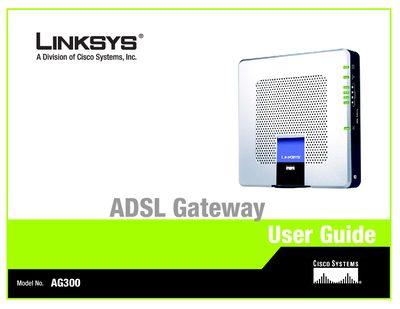
This guide introduces the AG300 ADSL Gateway, explaining its role in creating a LAN and providing high‑speed Internet access while protecting the network with firewall and parental‑control features. It walks you through planning your network, identifying the gateway’s ports, LEDs, and physical layout, and connecting the device to your broadband line and computers.
Subsequent chapters cover using the web‑based utility to configure basic and advanced settings, locating MAC and IP addresses, upgrading firmware, and accessing appendices that include a glossary, detailed specifications, warranty, regulatory information, and contact details for Linksys support.
The guide includes an Appendix C that instructs you on how to upgrade the gateway’s firmware.
Appendix B explains how to locate the MAC address for your computer’s Ethernet adapter.