
This is a user guide for Linksys EasyLink Advisor
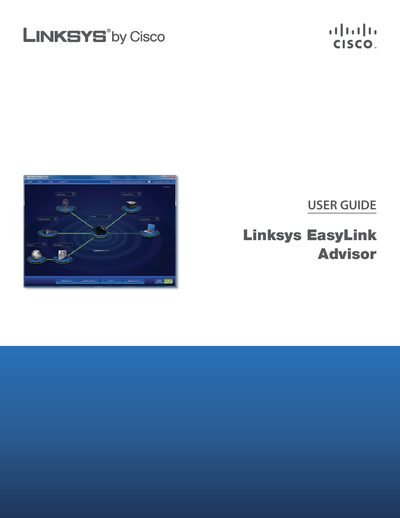
This guide introduces the Linksys EasyLink Advisor application, describing how to install it via the Linksys Setup Wizard and start using the program on a Windows Vista or XP computer. It explains the Welcome screen options, adding devices, setting up wireless connections, and using the Home Network Defender feature.
The manual covers the Network Map view, available and favorite wireless networks, router configuration, wireless security settings, and troubleshooting tools such as the Connection wizard. Appendices provide details on Home Network Defender, additional troubleshooting tips, and the software end‑user license agreement.
| Supported Operating Systems | Windows Vista or Windows XP |
|---|---|
| Default Router Login | admin / admin |
Select the Change Router Password option, enter a new password, and click Apply to save the change.
Choose the Show Passkey option to display the passkey as readable characters.
Use the Connect to a Hidden Network option, then enter the network name and passkey to connect.