
This document is a user guide for the Linksys RV042 10/100 4-Port VPN Router. The guide describes the features and functionality of the product.
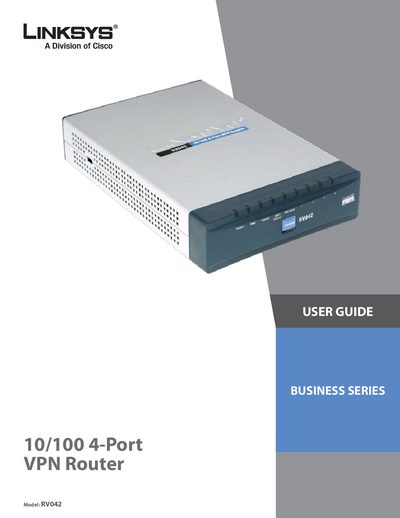
This guide introduces the Linksys RVO42 10/100 4‑Port VPN Router, describing its built‑in 4‑port Ethernet switch, dual Internet ports and VPN capabilities for up to 50 remote users. It explains how to install the hardware, connect cables, and access the web‑based utility for basic setup.
The manual details advanced configuration options such as NAT, firewall rules, bandwidth management, and VPN tunnel creation (IPSec and PPTP). Appendices provide QuickVPN client instructions, firmware upgrade steps, and regulatory information.
| Ethernet ports | 4 × 10/100 Mbps full‑duplex |
|---|---|
| Maximum remote VPN users | 50 |
| Internet ports | 2 × 10/100 Mbps |
The router supports up to 50 remote office or traveling users.
It provides four 10/100 Mbps full‑duplex Ethernet ports.
Yes, the dual Internet ports allow a second line for backup or combined bandwidth.