
The document introduces the features and characteristics of a notebook computer of a certain brand and model, including appearance, configuration, performance, price, etc.
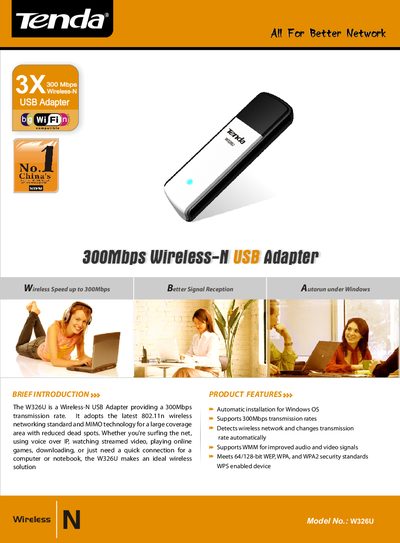
The W326U is a Wireless‑N USB adapter that delivers up to 300 Mbps data rates using the 802.11n standard and MIMO technology. It is designed for laptops and desktop computers that need a simple, reliable wireless connection.
This manual covers automatic Windows installation, WPS button pairing, security options, technical specifications, package contents, and minimum system requirements, helping users get the adapter up and running quickly.
| Standards | IEEE 802.11n |
|---|---|
| Encryption mode | 64/128-bit WEP, WPA/WPA2 and WPA-PSK/WPA2-PSK |
| Max Wireless Speed | Up to 300Mbps |
| Frequency | 24GHZ~2.5GHZ |
| Interface | one USB port |
| Buttons | WPS button |
| Antenna | 2 built‑in printed antennas |
| Operating Humidity | 10% ~ 90% RH non‑condensing |
| Storage Temperature | -40°C to 70°C |
| Storage Humidity | 5% ~ 90% RH non‑condensing |
| Certificate | CE, RoHS |
The adapter supports automatic installation for Windows operating systems.
It meets 64/128‑bit WEP, WPA, and WPA2 security standards.
Press the WPS button on the adapter to connect without remembering a long password.