
This document is a user guide for the EtherFast Cable/DSL Router with 4-Port Switch from Cisco Systems, Inc. It describes the features and characteristics of the product.
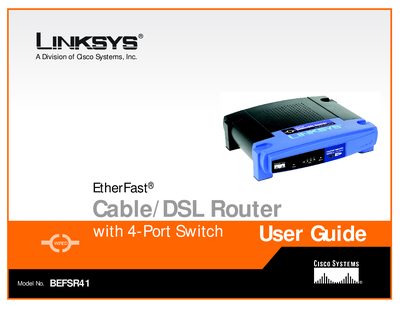
This user guide walks you through installing and configuring the Linksys BEFSR41 Cable/DSL Router with its built‑in 4‑port switch. It explains networking basics, shows how to connect the router to a cable or DSL modem, and details the web‑based utility for customizing settings.
The guide also includes appendices for troubleshooting common problems, upgrading firmware, locating MAC and IP addresses, Windows help, a glossary, specifications, warranty, regulatory compliance, and contact information for Linksys support.
See Appendix B, which explains the steps for upgrading the router’s firmware.
Appendix C provides instructions for locating the MAC address and IP address of your Ethernet adapter.
If interference occurs, re‑orient or relocate the receiving antenna, increase separation, or connect the equipment to a different outlet.