
This user manual introduces the features of Netcore 7224NSM switch, including product features, panel layout, installation method, switch connection method, configure your switch, switch function configuration guide, common problems and troubleshooting.
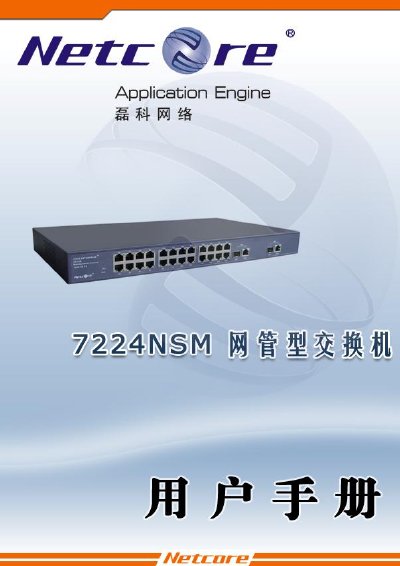
This manual provides detailed instructions for installing, configuring and maintaining the Netcore 7224NSM Layer‑2 Ethernet switch. It includes safety notices, hardware layout, and step‑by‑step procedures for mounting the device on a desk or rack, powering it on, and connecting network cables.
The guide also describes the switch’s management options (Web, Telnet, Console), QoS capabilities, VLAN and MAC address features, and offers troubleshooting tips for common power, link and remote‑login issues. Appendices list accessories, FCC certification and technical support contacts. This manual is written in Chinese.
| Backplane bandwidth | 8.8 Gbps |
|---|---|
| Ethernet ports | 24 × 10/100 Mbps, 2 × 10/100/1000 Mbps combo (copper/SFP) |
| Operating temperature | 0 °C to 50 °C |
| Power consumption | ≈ 21 W |
| Dimensions | 432 mm × 250 mm × 44 mm |