
This document is the user manual for Netcore 7228NSW switch, which mainly introduces the features and configuration guide of the switch, including hardware characteristics, network protocols, network applications, QoS capabilities, management methods, etc.
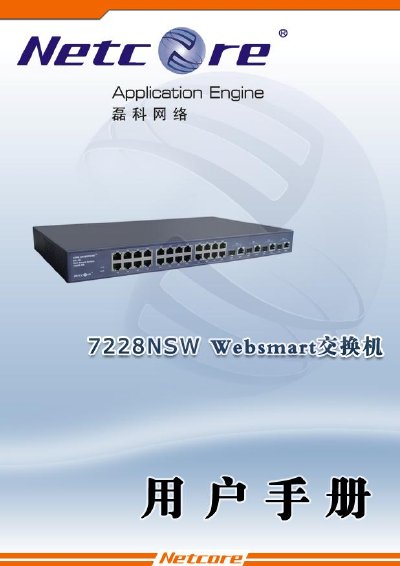
The Netcore 7228NSW is a high‑performance, multi‑purpose Layer‑2 managed switch featuring 24 10/100Mbps ports, four 10/100/1000Mbps copper/SFP combo ports, 12.8 Gbps backplane bandwidth, and advanced QoS, VLAN, and link‑aggregation capabilities. It supports auto‑MDI‑MDIX, IEEE 802.3x flow control, and offers both web‑based and console management interfaces.
The user manual covers product overview, panel layout, installation methods (desktop, rack, power‑on), connection options, detailed configuration steps for IP settings, password changes, MAC address management, QoS, VLAN, IGMP snooping, and troubleshooting procedures for power, link, and remote‑login issues. Appendices list accessories, FCC certification, and technical support contacts. This manual is written in Chinese.
| Ports | 24×10/100Mbps, 4×10/100/1000Mbps copper/SFP combo |
|---|---|
| Backplane bandwidth | 12.8 Gbps |
| Input power | AC 100‑240 V 50‑60 Hz |
| Power consumption | ≈25 W |
| Dimensions | 432 mm × 250 mm × 44 mm |
| Operating temperature | 0 °C to 50 °C |
| Noise level | 25 dB |
| Flow control | IEEE 802.3x |
| Link aggregation | Static link aggregation supported |
Use the "恢复缺省参数" function to restore the default parameters.
Firmware can be upgraded via the web interface or by using X‑Modem.
Check the port status in the web interface, ensure the port is not disabled, verify VLAN settings, and confirm duplex and speed match on both ends.