
Netcore 2305NR Multi-functional Broadband Router User Manual is a reference for users to install and configure Netcore 2305NR Multi-functional Broadband Router.
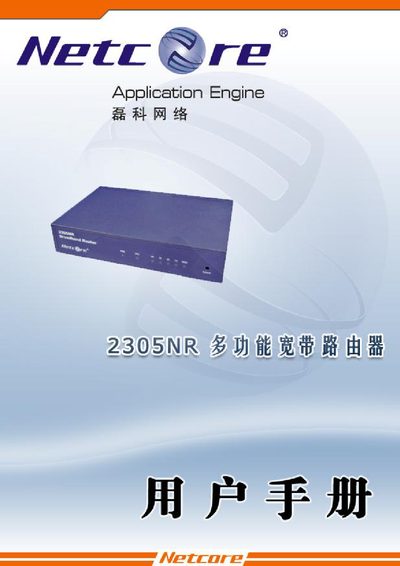
This manual covers the basic installation and configuration of the Netcore 2305NR broadband router. It includes sections on WAN and LAN setup, DHCP server configuration, NAT/DMZ options, and advanced features such as DDNS, UPnP, and FTP server.
The document also lists technical specifications, LED indicator functions, and troubleshooting tips. It provides the default IP address (192.168.1.1) for web‑based management and details supported network protocols and performance limits.
| Dimensions | 159mm*100mm*28mm |
|---|---|
| Operating temperature | 0 °C to 50 °C |
| Operating humidity | 20 % to 95 % non‑condensing |
| Supported LAN speed | 10 Mbps / 100 Mbps |
| Maximum WAN speed | 100 Mbps |
| Supported protocols | CSMA/CD, PPPoE, PPP, IP, ARP, DHCP, TCP, UDP, HTTP, FTP, DNS, NTP |
The router’s default management address is 192.168.1.1.
It supports CSMA/CD, PPPoE, PPP, IP, ARP, DHCP, TCP, UDP, HTTP, FTP, DNS and NTP.