
Netcore 7224NSW User Manual is a product manual for Netcore company's switch, which details the product features, installation methods, connection methods, configuration methods, etc.
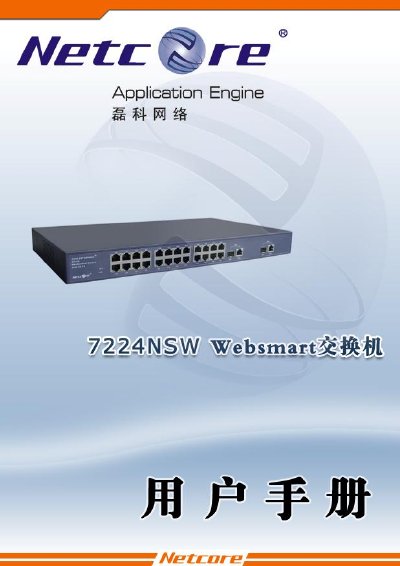
This manual describes the Netcore 7224NSW Layer‑2 network switch, a 24‑port 10/100Mbps device with two 10/100/1000Mbps copper/SFP combo ports and 8.8 Gbps back‑plane bandwidth. It covers hardware features, panel layout, power requirements and technical specifications.
Key sections include installation methods, connection options, web, console and Telnet management, VLAN and QoS configuration, firmware upgrades, backup and restore of parameters, and a troubleshooting guide for power, link and remote‑login issues. Appendices list accessories, FCC certification and technical support contacts. This manual is written in Chinese.
| Ports | 24 × 10/100 Mbps, 2 × 10/100/1000 Mbps copper/SFP combo |
|---|---|
| Back‑plane bandwidth | 8.8 Gbps |
| Operating temperature | 0 °C to 50 °C |
| Power consumption | ≈ 21 W |
| Dimensions | 432 mm × 250 mm × 44 mm |
| Weight | 3.0 kg |
The switch supports firmware upgrades via the web interface or using X‑Mode. Use the web‑based upgrade function or the X‑Mode method to load the new firmware.
Use the web interface to verify the port’s duplex and speed settings and ensure they match the opposite end. Also check that the port is not disabled and that VLAN settings allow communication.