
This document is the user manual for Netcore 2605NR broadband router, which introduces the features, configuration, and usage of the product.
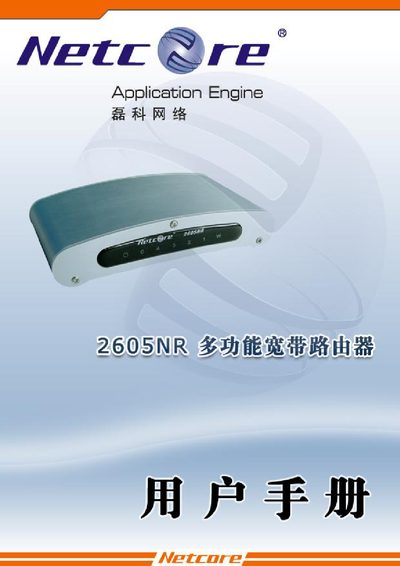
This manual covers the Netcore 2605NR broadband router, detailing its hardware specifications, network interfaces, and supported protocols. It guides users through initial installation, LAN and WAN configuration, and basic security settings.
Key topics include LAN port setup, WAN connection types (PPPoE, DHCP, static IP), VLAN and DMZ configuration, DNS and UPnP options, and troubleshooting tips such as accessing the web interface at the default IP address.
| Dimensions | 190mm x 99mm x 29mm |
|---|---|
| Operating Temperature | 0 °C to 50 °C |
| Operating Humidity | 20 % to 95 % non‑condensing |
The default address is 192.168.1.1.
VLAN settings are available under the VLAN configuration section of the menu.