
This manual introduces the function configuration methods of Netcore7252NSW two-layer switch, including system management, port management, VLAN management, QOS management, STP management, Port Mirroring management, Loopback management, RMON management, IGMP management, etc.
This manual provides step‑by‑step instructions for configuring the Netcore 7252NSW two‑layer Ethernet switch via its web interface. It covers system management tasks such as setting IP address, password, MAC address, console parameters, and performing firmware upgrades.
Additional sections describe port configuration, statistics, spanning‑tree protocol settings, parameter backup and restore, and advanced features like port mirroring and analysis tools for network troubleshooting. This manual is written in Chinese.
| Default IP address | 192.168.2.11 |
|---|---|
| Bridge priority (factory default) | 32768 |
| Max Age range | 6‑40 seconds |
| Hello Time range | 1‑10 seconds |
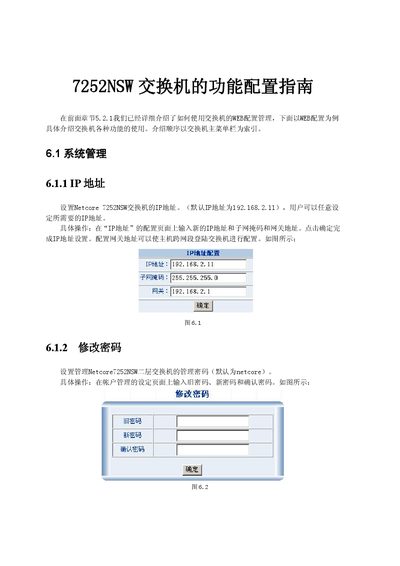
Enter the new IP address, subnet mask, and gateway on the “IP address” configuration page and click OK to apply the changes.
The default management password is “netcore”.
Use the “Parameter Backup” function to save the current configuration to a file, which can later be restored via the “Parameter Restore” option.
Enable capture status, select the source port to monitor and the destination port to receive the mirrored traffic, then confirm the settings.