
Netcore 2105NR Router User Manual

The document is the user manual for Netcore 2105NR broadband router, which introduces the usage, features, and configuration guide of the product.
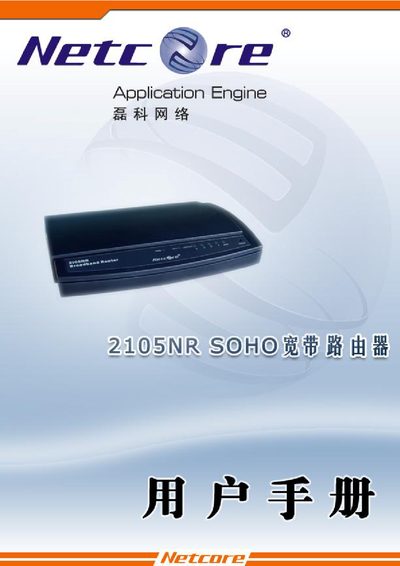

Netcore 2105NR Router User Manual - cover page
Brand
Netcore
Category
Router
Document type
User Manual
Language
English
Pages
39
File format
PDF
File size
2.1 MB
Published
20 March, 2012
Updated
29 September, 2023
Model
2105NR
MD5 checksum
8379D2403E134C9B100E2AF6F08039EC

About this manual

This manual describes how to install and configure the Netcore 2105NR broadband router. It covers hardware installation, LAN and WAN settings, DMZ, NAT, PPPoE, and other network features.

The document also lists the router's technical specifications, default IP address, supported protocols, and provides troubleshooting tips for common issues.

What's inside

  • Application Engine
  • LAN Configuration
  • WAN Configuration
  • DMZ Settings
  • NAT Settings
  • PPPoE Setup
  • IP Addressing
  • Hardware Specifications
  • Supported Protocols
  • Troubleshooting

Specifications

Dimensions159mm*100mm*28mm
Operating temperature0 °C to 50 °C
Operating humidity20 % to 95 % non‑condensing

Frequently asked questions

What is the default IP address to access the Netcore 2105NR router?

The default IP address is 192.168.1.1.

Which network protocols are supported by the Netcore 2105NR?

It supports CSMA/CD, PPPoE, PPP, IP, ARP, DHCP, TCP, UDP, HTTP, FTP, DNS, NTP, RIP1 and RIP2.

Download PDF (2.1 MB)

More Netcore Manuals


View all Netcore manuals →