
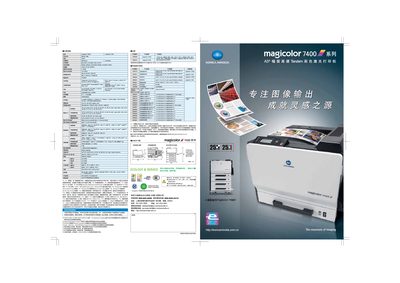
This manual covers the magicolor 7450I’s hardware specifications, paper handling options, connectivity, and supported operating systems. It also details installation steps, power requirements, and environmental guidelines.
Additional sections describe printing performance, consumable capacities, and troubleshooting tips to help users maintain optimal print quality and reliability. This manual is written in Chinese.
| Maximum monthly print volume | 120,000 pages |
|---|---|
| Black‑and‑white print speed | 8.1 seconds per A4 |
| Print resolution | 600 × 600 dpi |
| Standard memory | 256 MB (max 1,024 MB) |
| Standard paper tray capacity | 350 sheets (up to 1,850 sheets with optional tray) |
| Supported operating systems | Windows, Macintosh, Linux |
| Maximum power consumption | 1,450 W (average 70 W, standby 130 W) |
The standard paper tray holds 350 sheets, and an optional tray can increase capacity to 1,850 sheets.
The printer supports Windows, Macintosh, and Linux operating systems.
Maximum power consumption is below 1,450 W, with an average of 70 W during printing and 130 W in standby mode.
The printer provides a resolution of 600 × 600 dpi.