
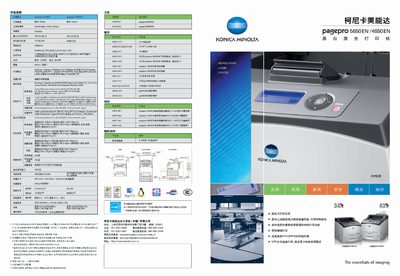
This manual details the technical specifications, installation options, and operating procedures for the PagePro 4650EN and 5650EN black‑white laser printers. It covers printing speed, resolution, memory, supported interfaces, paper handling, and advanced features such as IPv6 networking, security printing, and direct USB memory printing.
Additional sections describe energy‑saving modes, optional accessories (CF‑card adapter, additional paper trays, automatic duplexer), and software tools like PageScope Web Connection and Visual Count for network management and usage monitoring. This manual is written in Chinese.
| Printing speed (black‑white) | 34 ppm (4650EN), 43 ppm (5650EN) |
|---|---|
| Print resolution | 600 × 600 dpi, 1200 × 1200 dpi |
| Processor | 500 MHz |
| Memory (standard / maximum) | 128 MB / 384 MB |
| Maximum monthly print load | 150,000 pages (4650EN), 200,000 pages (5650EN) |
| Network & I/O interfaces | Gigabit Ethernet, USB 2.0, parallel port |
| Dimensions (W × D × H) | 465.4 mm × 421.8 mm × 404.3 mm |
| Weight | 25 kg |
| Standard paper tray capacity | 550 pages (standard), optional second 550‑page tray |
The PagePro 4650EN prints at 34 pages per minute, while the 5650EN reaches 43 pages per minute.
The printers come with a built‑in Gigabit Ethernet port, a USB 2.0 high‑speed port, and a bidirectional parallel interface.
Each unit ships with 128 MB of memory as standard and can be expanded up to 384 MB.
The 4650EN is rated for up to 150,000 pages per month, and the 5650EN for up to 200,000 pages per month.