
This manual introduces the basic operation methods of the Panasonic KX-FT72CN fax machine, including connection, installation, and use.
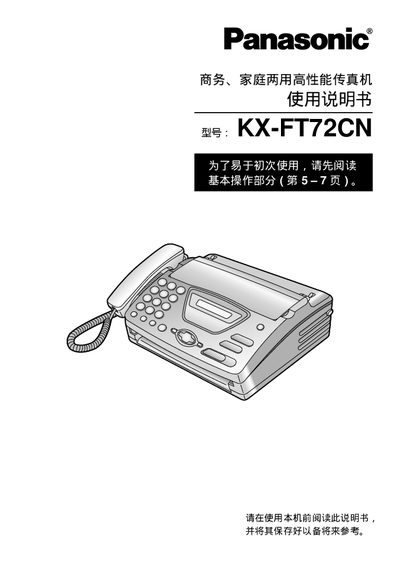
This manual provides instructions for safely installing and operating the Panasonic KX-FT72CN fax machine. It covers essential operations such as installing thermal paper, connecting power and phone lines, sending and receiving faxes, and copying. Detailed sections address advanced features like phone簿 management, call forwarding, and error troubleshooting. Technical specifications are included for reference. This manual is written in Chinese.
| File Size | Maximum width 216 mm, maximum length 600 mm |
|---|---|
| Scan Density | Horizontal: 8 pels/mm, Vertical: 3.85 lines/mm (Standard) |
| Transmission Speed | Approx. 15 seconds/page (Brightness mode) |
| Power Supply | AC 220–240 V, 50/60 Hz |
| Dimensions | Approx. 118 mm × 338 mm × 246 mm |
| Weight | Approx. 2.5 kg |
Open the machine cover, insert the thermal paper roll, and pull out about 10 cm of paper edge before tearing off excess paper.
Connect the power cord to a 220–240 V outlet and the phone line to the designated phone jack. For additional phone lines, remove the cover plate.
Approximately 15 seconds per page in brightness mode, or 30 seconds per page in G3 normal mode.