
This document introduces the safe use of a printer, including precautions for power usage and prohibited usage conditions.
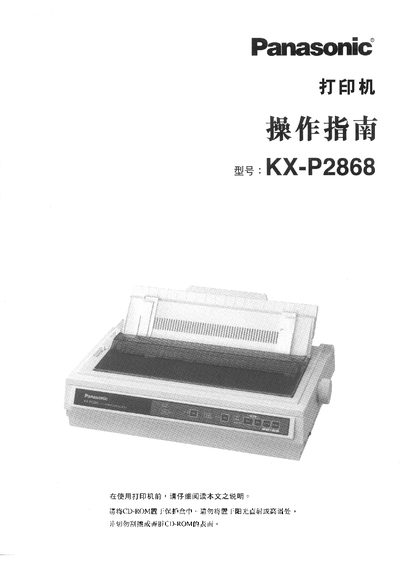
These operating instructions cover safety precautions, unpacking, and installation of the Panasonic KX‑P2868 printer. Users are advised to read all warnings, avoid moisture and fire hazards, and never attempt self‑repair. The manual details how to connect the printer to a computer via the parallel interface and how to select paper handling modes, fonts, and printing speeds.
The guide also explains routine maintenance, troubleshooting, and technical specifications such as the print‑head to roller gap. Service center contact information and warranty details are provided at the end of the document. This manual is written in Chinese.
| Print‑head to roller gap | 0.0028 inches (0.07 mm) |
|---|
Connect one end of a parallel‑interface cable to the printer’s parallel port and tighten the securing clamp; if the cable is not available, obtain one from a local computer dealer.
Open the printer, remove the protective cover, insert the KX‑P170 ribbon cartridge into its slot, and close the cover as shown in the installation section.